
What Is a San Francisco County Court Docket
A court docket is the chronological list of events in a case. It is also called the register of actions. Each line stamps a date, names the filing, and notes the court action that followed. Dockets are short. They are not the full file. A full file holds motions, briefs, orders, exhibits, and judgments themselves. The docket just points to them. The court's name-query PDF spells out which case types let the public view the register of actions online.
Dockets and calendars are not the same thing. A docket tracks the past life of a case. A calendar lists what is set next. Both live inside the same Superior Court portals. The civil case query opens a register of actions for a known case. The case calendar page lets a user pull every hearing set for a chosen case type and date, up to 120 days out. Mini-minutes are not viewable online, so some hearing detail stays at the courthouse.
How to Find San Francisco County Dockets Online
The court keeps four official portals for case access. The right one depends on case type. Civil, family, probate, and small claims share one civil query path. Criminal cases use a separate criminal query. The case calendar is its own tool. There is also a cumulative criminal index for weekly index records. Every portal sits behind a captcha. The court says the captcha verifies that a person, not a bot, is seeking case information. That step keeps automated scrapers from pulling case data in bulk.
- Start at the official Case Calendar and Query page. The court-maintained index keeps the captcha and live portal links in one place.
- Pick the right path. Use the civil case query for Civil, Family Law, Probate, and Small Claims. Use the criminal case query for case number, defendant name, or attorney name.
- Complete the captcha. Without it, the query screen will not load.
- Search by case number when you have one, or by name. Civil name format is lastname; lastname, firstname; or a company name.
- Open the register of actions. Click the case to view the docket event list. Civil imaged documents are viewable from 2001 forward where allowed.
- For upcoming hearings, switch to the case calendar tool. Search by case type and date, up to 120 days out.
Pop-up blockers must be off. The case window opens in a new browser tab, and a PDF reader is needed for any document download.
Sample Docket Entry Field Inventory
Each docket line gives a short story. A user can scan the register of actions and pick out filing dates, hearing dates, party who filed, and what the court did. The fields below match what the civil, probate, and small claims registers show in San Francisco. Criminal docket detail is more limited online.
| Field | What It Shows |
|---|---|
| Entry Date | The date the filing, hearing, or order was posted to the case. |
| Event Type | The kind of action, such as Complaint, Answer, Motion, Order, Minute Order, or Judgment. |
| Party Filing | The plaintiff, petitioner, defendant, respondent, or court that placed the entry. |
| Document Link | A link to the imaged document when one exists. Civil images run 2001 to present. Small claims images run 2008 to present. Family law and criminal images are not online. |
| Hearing Date | For scheduled events, the next set date in court. |
| Department | The courtroom assigned to the hearing, by department number. |
| Result Code | Short outcome text for minute orders. Mini-minutes are not viewable online. |
The Captcha Gate on Case Portals
Every case query in San Francisco passes through a captcha first. The civil portal, criminal portal, and case calendar all use the same gateway. The court says this verifies that a person, not an automated program, is seeking case information. That note matters because it explains why bulk scrapers cannot pull San Francisco dockets cleanly. Each user has to click through. The setup tracks with the court's records duty under Government Code section 68150.
The result is a clean public docket, but a slower one. A user who tracks a case over weeks must repeat the captcha each session. The court treats it as a public-service guard, not a block.
The same gateway loads in front of the case calendar tool. The case calendar captcha page is what users see before any San Francisco docket calendar appears.
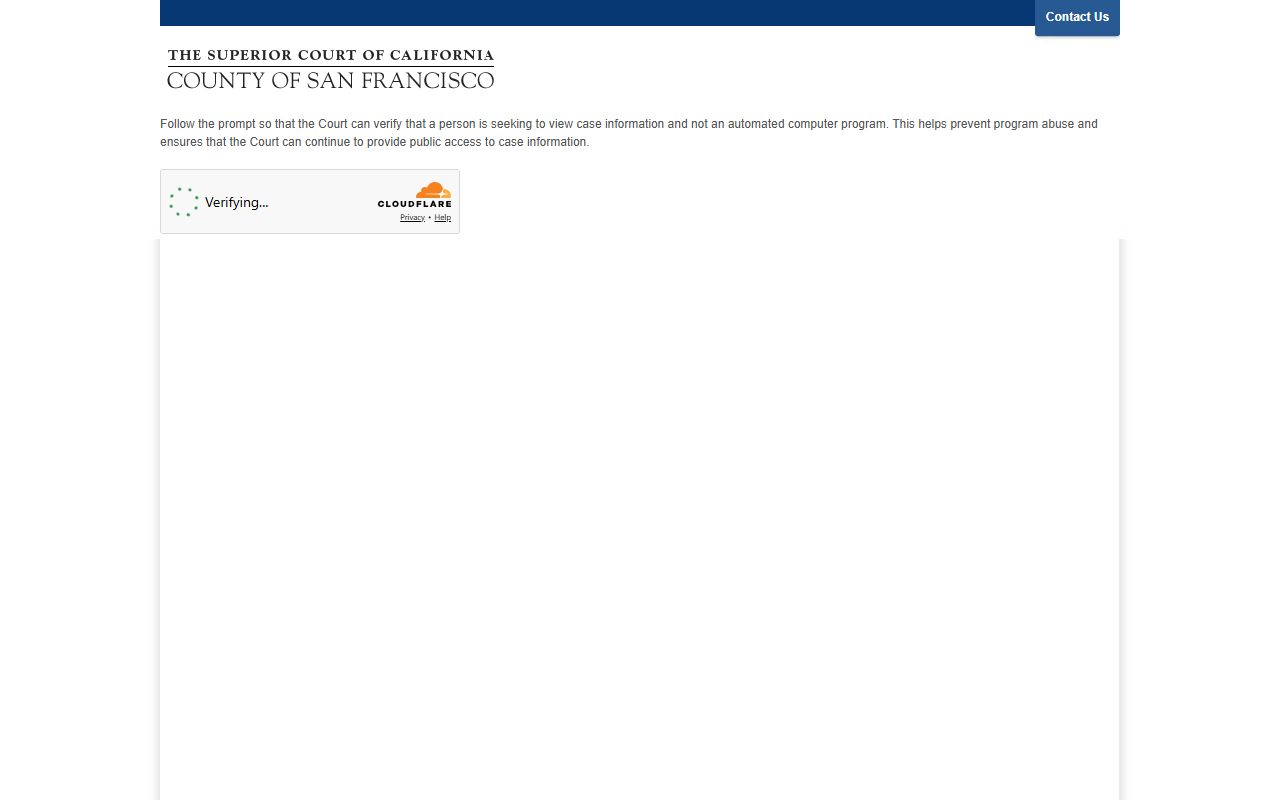
The prompt only takes a moment, but it has to be cleared every time a user pulls a San Francisco County court docket calendar.
Department Assignments by Courtroom
San Francisco publishes courtroom phones and judge assignments by department. The 2026 list is on the court's Judicial Assignments page. When a docket entry shows a department number, the table below maps it to the building and contact phone. Calls should be limited to scheduling, not case merits.
| Court / Dept | Judge | Address | Phone |
|---|---|---|---|
| Presiding Judge | Rochelle C. East | 400 McAllister Street | 415-551-4000 |
| Department 9 | Preliminary hearings / arraignments | 850 Bryant, 1st floor | 415-551-0309 |
| Department 10 | Trials / 995 motions | 850 Bryant, 1st floor | 415-551-0310 |
| Department 13 | Pitchess-Brady / expungements | 850 Bryant, 2nd floor | 415-551-0313 |
| Department 14 | Domestic violence a.m. / felony arraignments p.m. | 850 Bryant, 2nd floor | 415-551-0314 |
| Department 15 | Charles Crompton (Mental Health Court) | 850 Bryant, 2nd floor | 415-551-0315 |
| Department 17 | Misdemeanor master calendar | 850 Bryant, 2nd floor | 415-551-0317 |
| Department 22 | Criminal Master Calendar, supervising judge | 850 Bryant, 3rd floor | 415-551-0322 |
| Department 26 | Trials / Young Adult Court | 850 Bryant, 2nd floor | 415-551-0326 |
| Department 8 | Murlene J. Randle (CJC / Drug / Veterans) | 575 Polk Street | 415-551-3837 |
| Department 204 | Probate Wills and Decedents' Estates | 400 McAllister Street | 415-551-3702 |
The full 2026 list of judges by department is updated by the court each year. The 2026 Judicial Assignments page is the authoritative source for current bench placement.
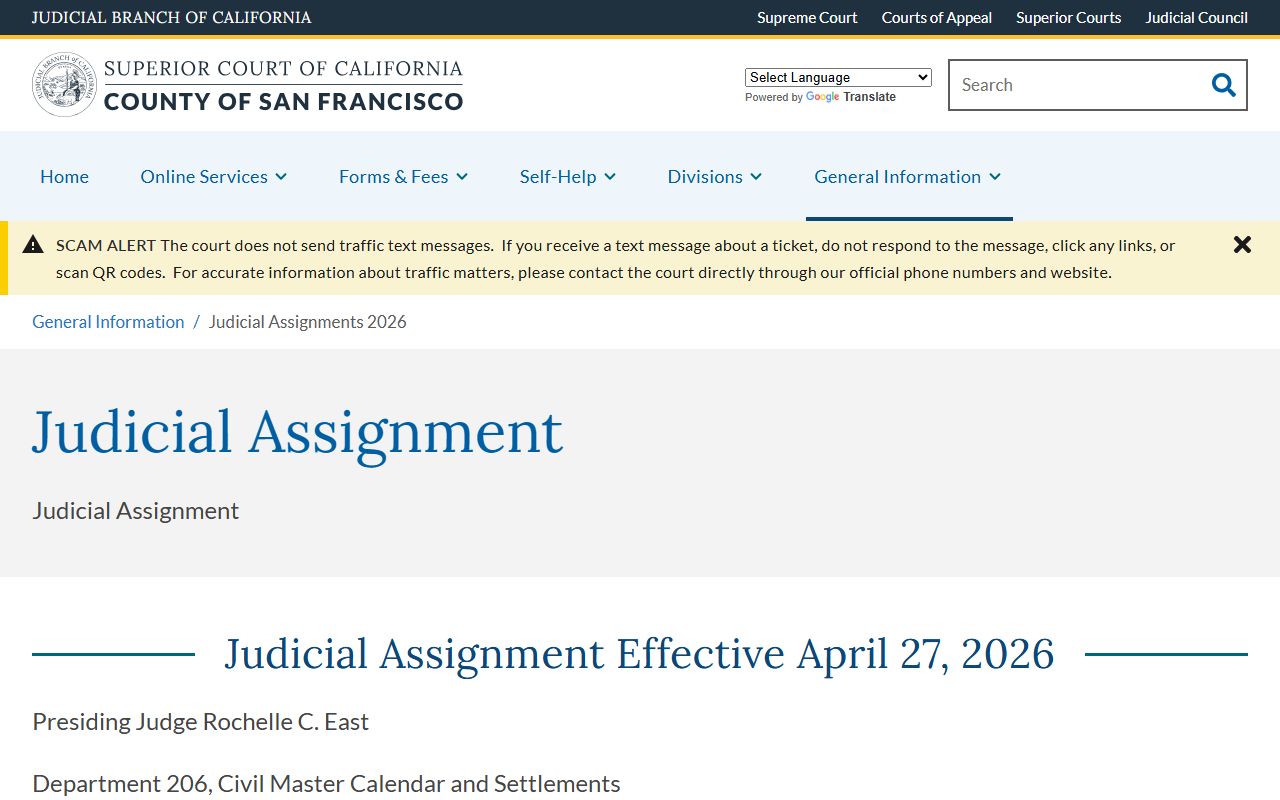
Check that page before relying on a docket entry's department number to find the right judge or courtroom.
The Register of Actions in Detail
The register of actions is the formal name for the docket. In San Francisco it lives inside the civil and criminal case query tools. The civil register is online, with imaged documents from 2001 to present. Small claims registers are online, with images from 2008 forward. Probate Estate and Trust registers are online with images from 2001 forward, but guardianship, conservatorship, and elder abuse images are not online. Family law is the most limited path. The family register opens online only when the user has the case number, and family imaged documents are not on the web.
Criminal registers are a special case. The criminal query shows the register and case info, but criminal documents are not online. Full criminal records must be ordered at Hall of Justice Room 101 or by mail to Attn: Records Dept., 850 Bryant Street, Room 101, San Francisco, CA 94103. Sealed, confidential, and restricted cases never appear in the online registers. Juvenile files are closed under Welfare and Institutions Code 827.
The Case Calendar 120-Day Window
The Superior Court's case calendar tool is built for forward-looking searches. It lets the public pull every hearing set by case type and date. The window runs up to 120 calendar days from the current date. The user picks a case type, picks a date, and the tool returns the list of hearings on the schedule. This is the tool to use when someone wants to know what is set in court next week, not what already happened.
The calendar helps attorneys check conflict dates, parties track upcoming events, and reporters cover ongoing matters. It cannot reach beyond 120 days. Closed-file events and sealed matters do not show. For unlawful detainer cases with access codes, the separate UD/Rental Debt query covers limited UD cases for parties who have their notice access code, one plaintiff name, one defendant name, and the exact premises address.
Note: The case calendar only shows up to 120 days, so longer-range scheduling has to be confirmed closer to the hearing.
Calendars by Courthouse
San Francisco runs four facilities. Each one keeps its own day-by-day calendar of hearings. Knowing which building handles which case type cuts search time. The Superior Court locations page lists all four. The list below pairs the building with the case types that get docket entries inside it.
- Civic Center Courthouse at 400 McAllister Street: civil, family law, probate, traffic court paperwork, and the ACCESS Center for self-help.
- Hall of Justice at 850 Bryant Street: criminal arraignments, preliminary hearings, trials, traffic, criminal records, court reporters, collections, and interpreters.
- Juvenile Justice Center at 375 Woodside Avenue: juvenile delinquency and dependency departments.
- Community Justice Center / Polk Street Annex at 575 Polk Street: Community Justice Center, Drug Court, and Veterans Court calendars.
Each address has its own clerk window hours. A docket entry that says "Civic Center" should not be checked at the Hall of Justice. The court's general information page lays out what each building handles.
The full courthouse list ties each building to its case types. The Superior Court locations index covers Civic Center, the Hall of Justice, Juvenile, and the Polk Street Annex on one page.
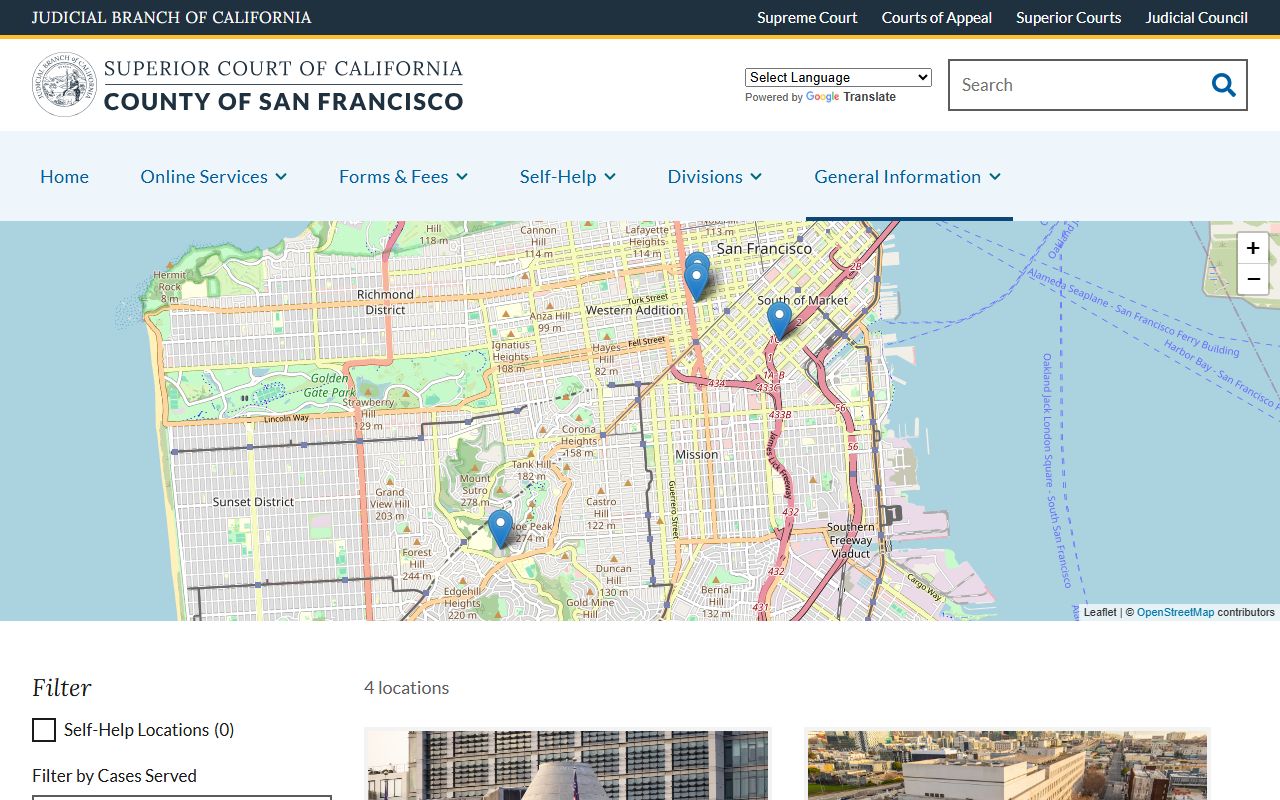
Match a docket entry to the building on this list before heading out to a hearing or a records pull.
Criminal Dockets vs Civil Dockets
Criminal and civil dockets in San Francisco follow different rules online. Civil dockets give the most. The full register is online. Imaged civil documents from 2001 to present are open, and small claims images open from 2008 forward. Criminal dockets show the case event list through the criminal query, but the underlying documents are not on the web. Records must be ordered at Hall of Justice Room 101 or by mail.
The two also differ in language. Civil dockets list complaints, answers, motions, demurrers, and judgments. Criminal dockets list arraignments, plea entries, preliminary hearings, Pitchess-Brady motions, and post-conviction relief under Penal Code 1203.4. Sealed arrest entries under Penal Code 851.91 drop out of the public docket.
| Civil Docket | Criminal Docket | |
|---|---|---|
| Register Online | Yes | Yes, through criminal query |
| Documents Online | 2001 to present where allowed | Not online |
| Records Request | Room 103 Civic Center | Room 101 Hall of Justice |
| Search Field | Case number or case name | Case number, defendant, or attorney |
Mini-Minutes and Other Limits
The court's name-query PDF spells out one limit that catches many users by surprise. Mini-minutes are not viewable online. A mini-minute is the clerk's short note of what happened at a hearing. It is a key piece of detail for anyone tracking what the judge said. A docket reader who needs that detail has to request the file or come to the courthouse. The Civil Records page says on-site viewing may be requested on a first-come basis, and files may only be viewed on the premises.
Other limits matter too. Sealed cases are excluded from online registers. Files in use by the court are not available online. Older paper files may need a clerk pull.
How to Read a San Francisco Docket Entry
Docket entries use court shorthand. A line that reads "ROA 14" with a date and "Motion to Compel" means the fourteenth event in the register of actions was a motion to compel. A line that says "Min Order" points to a minute order. "Stip and Order" is a stipulation and order signed by the judge. "OSC" is an order to show cause. "CMC" is a case management conference. Knowing these tags speeds up reading a long docket.
Disposition codes matter at the end of a case. "DISP" is short for disposition. A civil case may end with judgment, dismissal, default, or settlement. A criminal case may close with a guilty plea, a verdict, or a probation grant. The 2024 local rules PDF on the local rules page sets the procedural frame for many events. Anyone unsure of a code should call the assigned department clerk.